For cafes
Your cafe.
Your reward.
Their next visit.
Choose a reward. Connect your phone. Welcome your next regular.
Create your free program1 cafe · Up to 250 cards · Free to start

Four steps. Then you’re off.
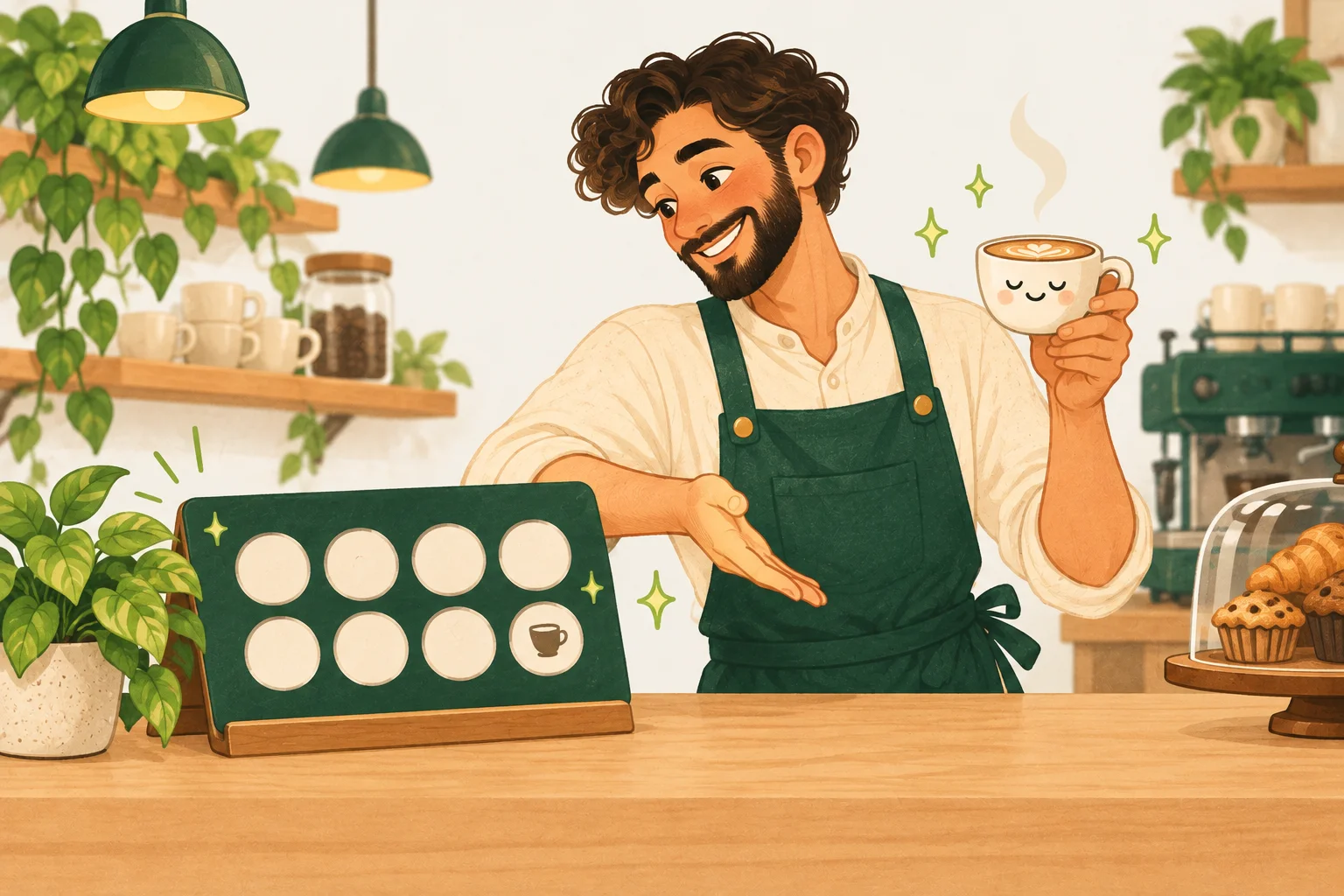
01 Make it yours
Choose your reward.
Sign up with Google or email. Name your cafe, choose a reward and set the number of purchases to earn it.
Request activation when you’re ready to welcome customers.
02 Get your counter ready
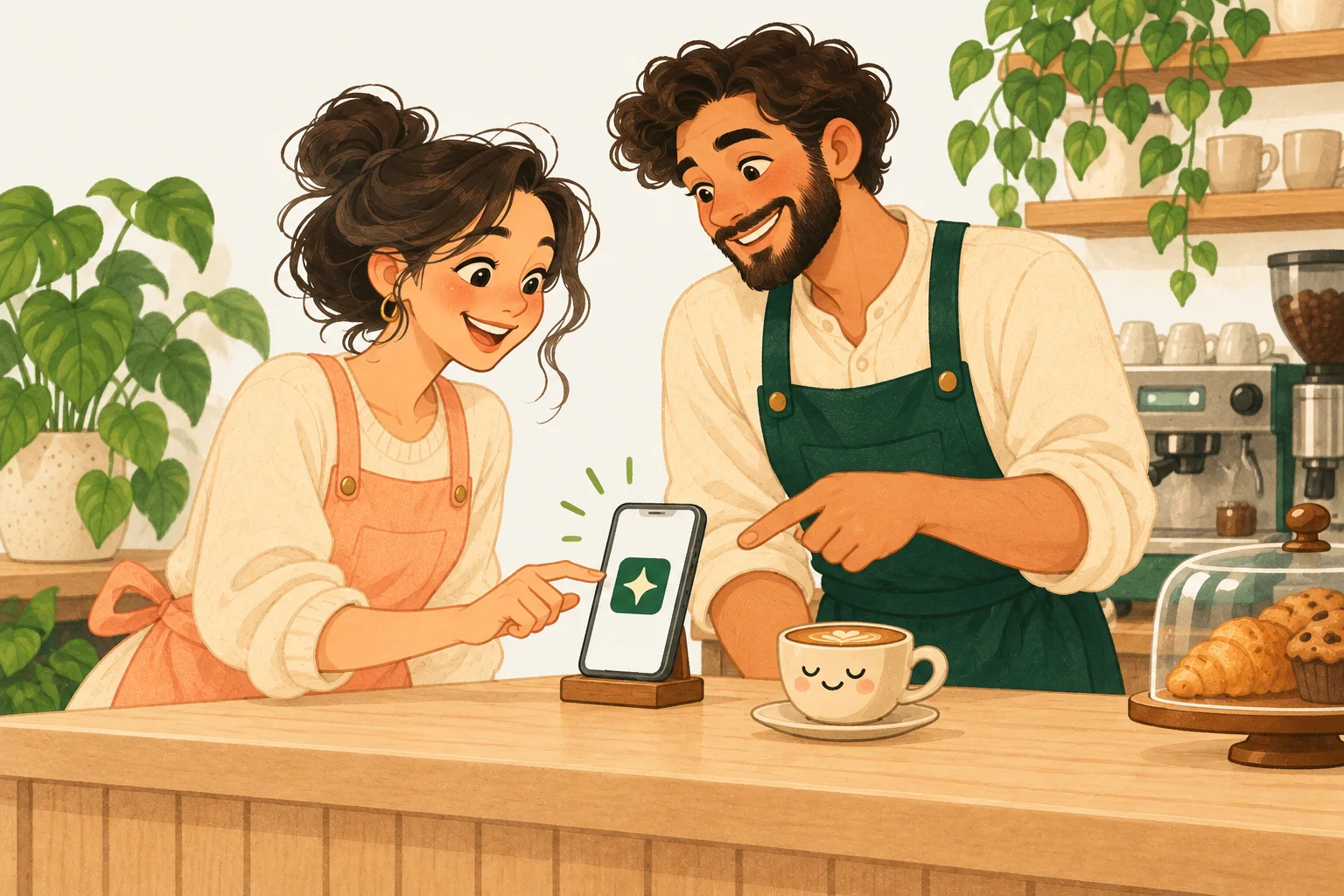
Connect your counter.
Open the owner’s invitation on your counter phone, give it a name and allow camera access.
Add TreatHop to the home screen. All you need is a camera and internet — no POS connection.

03 Welcome your customers
Put your QR by the till.
Tap Print signup QR in your dashboard. Put the sign by the till, or share its link.
Customers scan, accept your rules and save their card in Apple Wallet or Google Wallet.
Juniper Cafe
A little coffee.
A little thank-you.
Scan to get your loyalty card

04 Make their next visit count
Scan. Tap. Stamp.
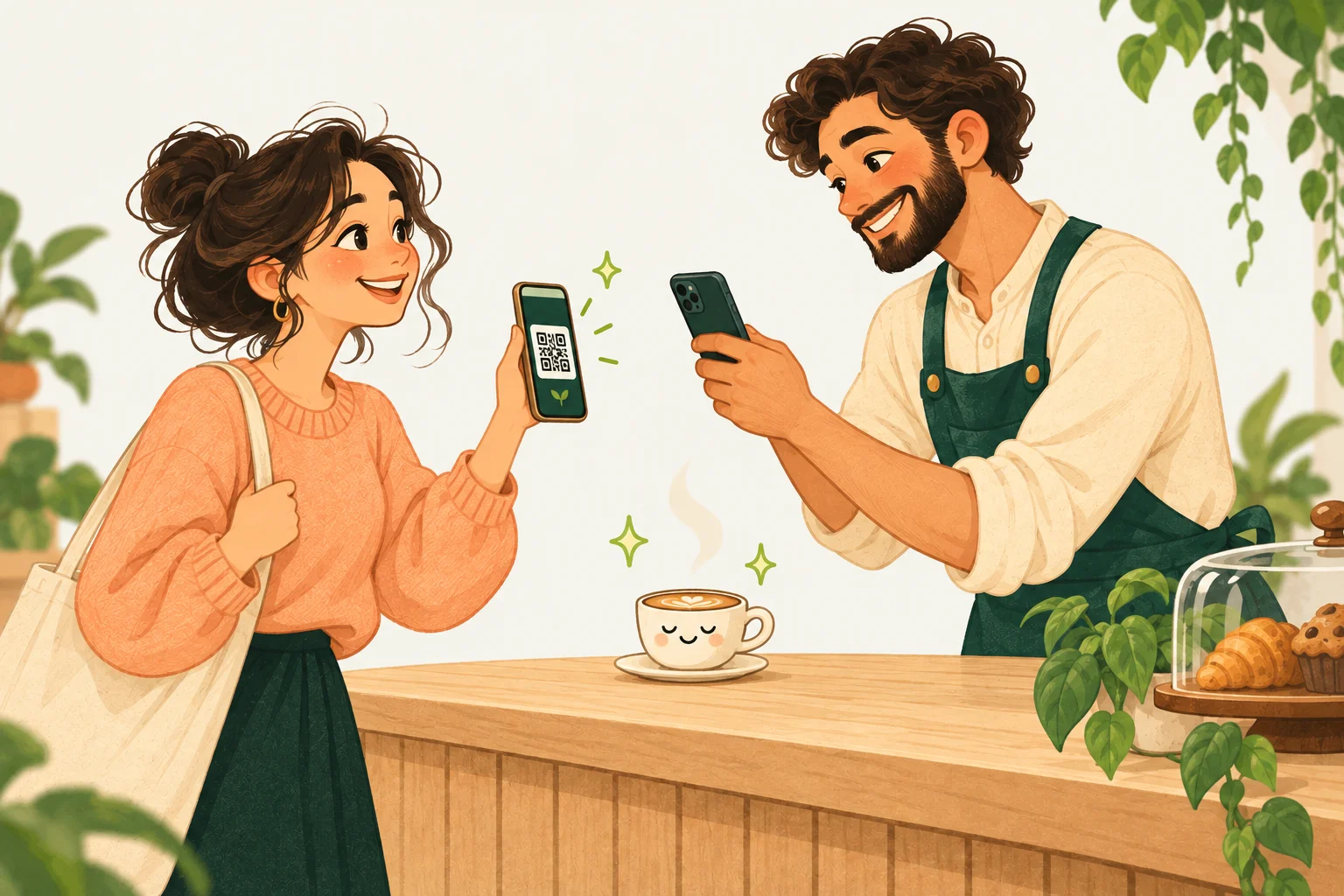
Scan the customer’s Wallet QR. Tap Add 1 stamp for a qualifying purchase.
Reward ready?
Scan their card, tap Hand over reward and give them their treat.
Your team confirms every stamp and reward.
Two codes.
Two clear jobs.
Your cafe’s sign
 Join the happy regulars
The customer scans
Their Wallet card
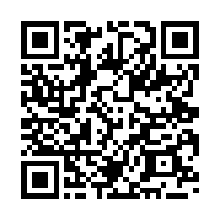
Your team scans
A few things
to know.
Can my team use the counter?
Yes. Connect up to three devices, with access renewed by the owner every seven days. No staff accounts or shared owner password.
Can I lock the app?
Yes. Turn on app lock in Settings and TreatHop asks for Face ID, Touch ID or your fingerprint when you open it. You stay signed in, so there is no password to retype at the till.
What’s included for free?
One location, one program and up to 250 cards. At the limit, existing cards still work; new registrations pause. Compare Free and the planned Pro features.
What if we add a stamp by mistake?
The owner can undo an operation with a reason. Both the original and correction stay in the history.
Do customers need to register an account?
No account or password. Customers scan your signup QR, accept your program rules and get their card.